

30cm Carplay Cable for iPhone 16 15 Pro Max,18W 3A USB A to USB C Cable for Apple CarPlay & Android Auto, Carplay Cord for iPad Pro, iPad A16/10/Air/Mini 6, Galaxy S25 S24 A56 Pixel 9 8a, Black
Original price was: ₹960.00.₹549.00Current price is: ₹549.00.
Description



Price: ₹960 - ₹549.00
(as of Jul 06, 2025 02:36:54 UTC – Details)
Product Description


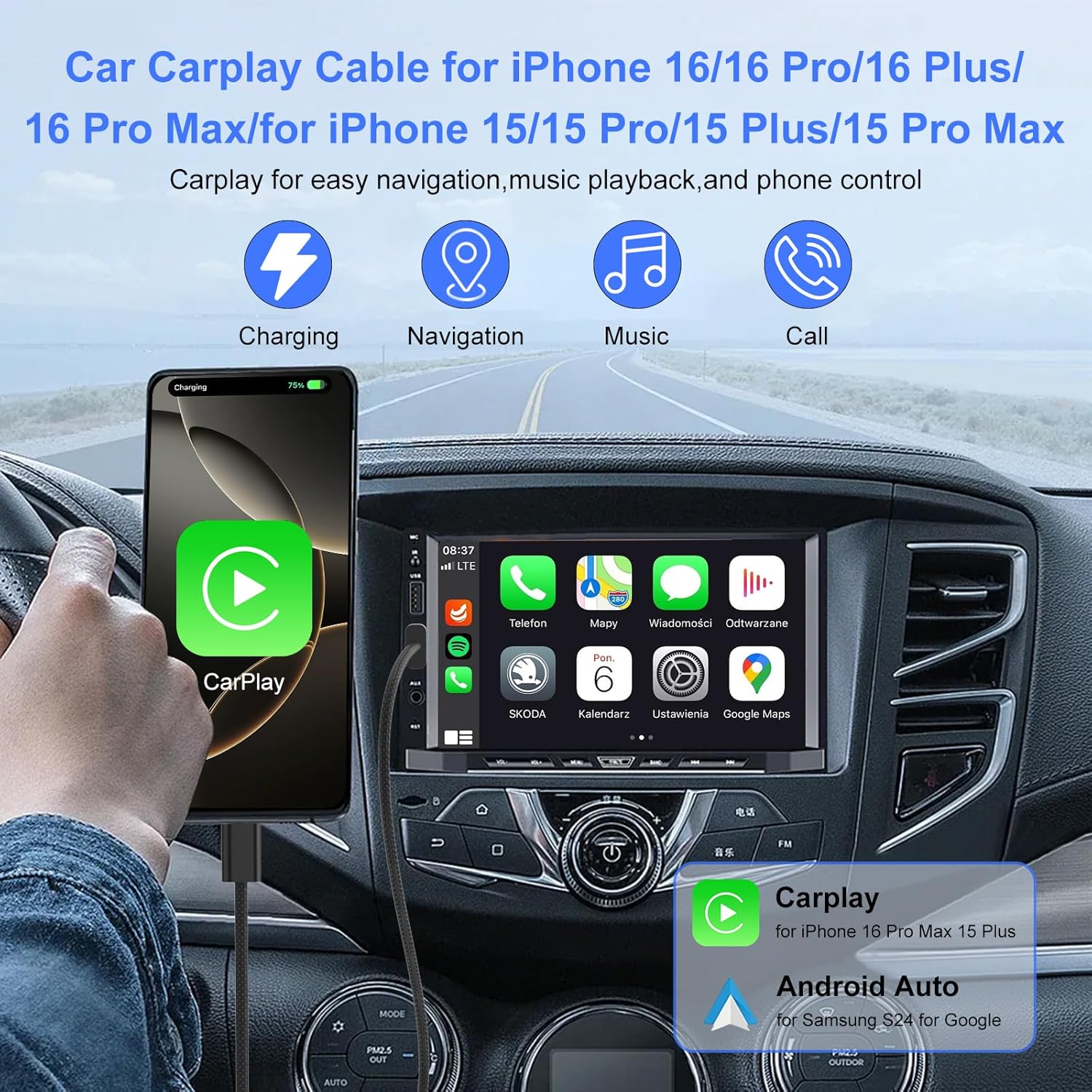
Wide Compatibility: ACAGET USB C Cable Carplay Cable 1M Compatible with Apple Carplay and Android Carplay, for iPhone 16/16 Pro/16 Plus/16 Pro Max/16e/15 Pro Max/15 Pro/15 Plus/15, for iPad A16/Pad 10/iPad Pro/ for iPad Air 5 / Air 4, for iPad Mini 6 7, for Samsung Galaxy S25/S25+/S25 Ultra/S24/S24+/S24 Ultra/A16/A15/A26/A56/A36/A35/A34/A33/A54/A53/S23/S23+/S23 Ultra/S22+/S22 Ultra/S21 FE/S21+/S21 Ultra/Z Fold6/Z Flip6, for Pixel 9 Pro XL/9 Pro/9 Pro Fold/Pixel 8th/8/8 Pro/7th/7 Pro/6 Pro/6th/5th/4/4 XL and other devices with Type C port
Plug and Play and Carplay Compatible: This plug and play USB C car cable for iPhone 16 15 series compatible with the latest iOS system devices. There will be no warnings or overheating issues when you use it for charging. Full support for CarPlay to get directions, answer calls, reply messages, listen to music and more
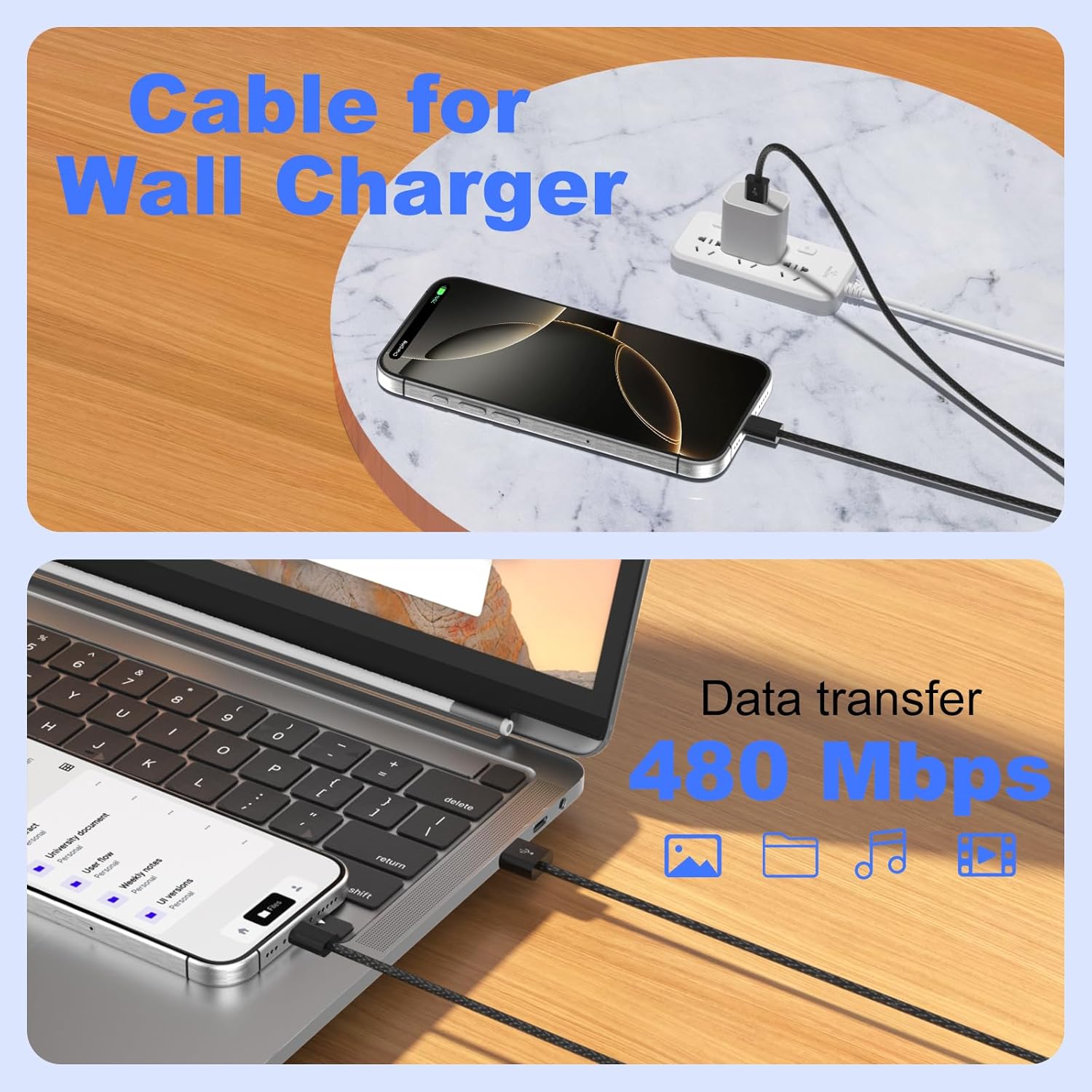
18W 3A PD Fast Charging and Data Transfer: USB C cable carplay cable for iPhone 16 15 series. 18W PD fast charging, transfer speed up to 480Mbps, data transfer and charging 2 in 1, to get super fast charging speed, please use it with a USB C charger that supports PD fast charging. With our fast 18W PD USB to USB C fast charging cable, you can get an incredible 70% battery for iPhone 16 series in just 35 minutes
Durable and Flexible Carplay Cable: This USB C Carplay cable is built-in upgraded smart chip, the USB C charging cable is built-in 56KΩ pull up resistor, monitoring voltage and current, safety use without damaging your devices. USB A to USB C Android car cable is made of nylon and has passed over 10,000 bending tests. Extra long 1M cable, convenient for daily life
What You Get: ACAGET 30cm Portable USB C Cable for Carplay and Android Auto. If you have any questions about our USB C car cable, please feel free to let us know. We will be happy to help you solve the problem. Note: 1. Find Siri in your phone settings and search for it before connecting to Carplay. Open with “Hey Siri, wake up”. Once opened, use the data cable to connect to your car’s Carplay. 2. To support data transfer, open “debug USB”
Related products
-
- Sale!
- Smart Phone
boAt Lunar Vista w/ 1.52″ (3.8 cm) HD Display, Advanced Bluetooth Calling, Functional Crown,100+ Sports Mode, Always on Display, Heart Rate & Sp02 Monitoring, Smart Watch for Men & Women(Active black)
- Original price was: ₹7,999.00.₹1,499.00Current price is: ₹1,499.00.
- Buy Now
-
- Sale!
- Smart Phone
iPhone 16 128 GB: 5G Mobile Phone with Camera Control, A18 Chip and a Big Boost in Battery Life. Works with AirPods; Black
- Original price was: ₹79,900.00.₹73,400.00Current price is: ₹73,400.00.
- Buy Now

Reviews
There are no reviews yet.